A simulator for the people around the build
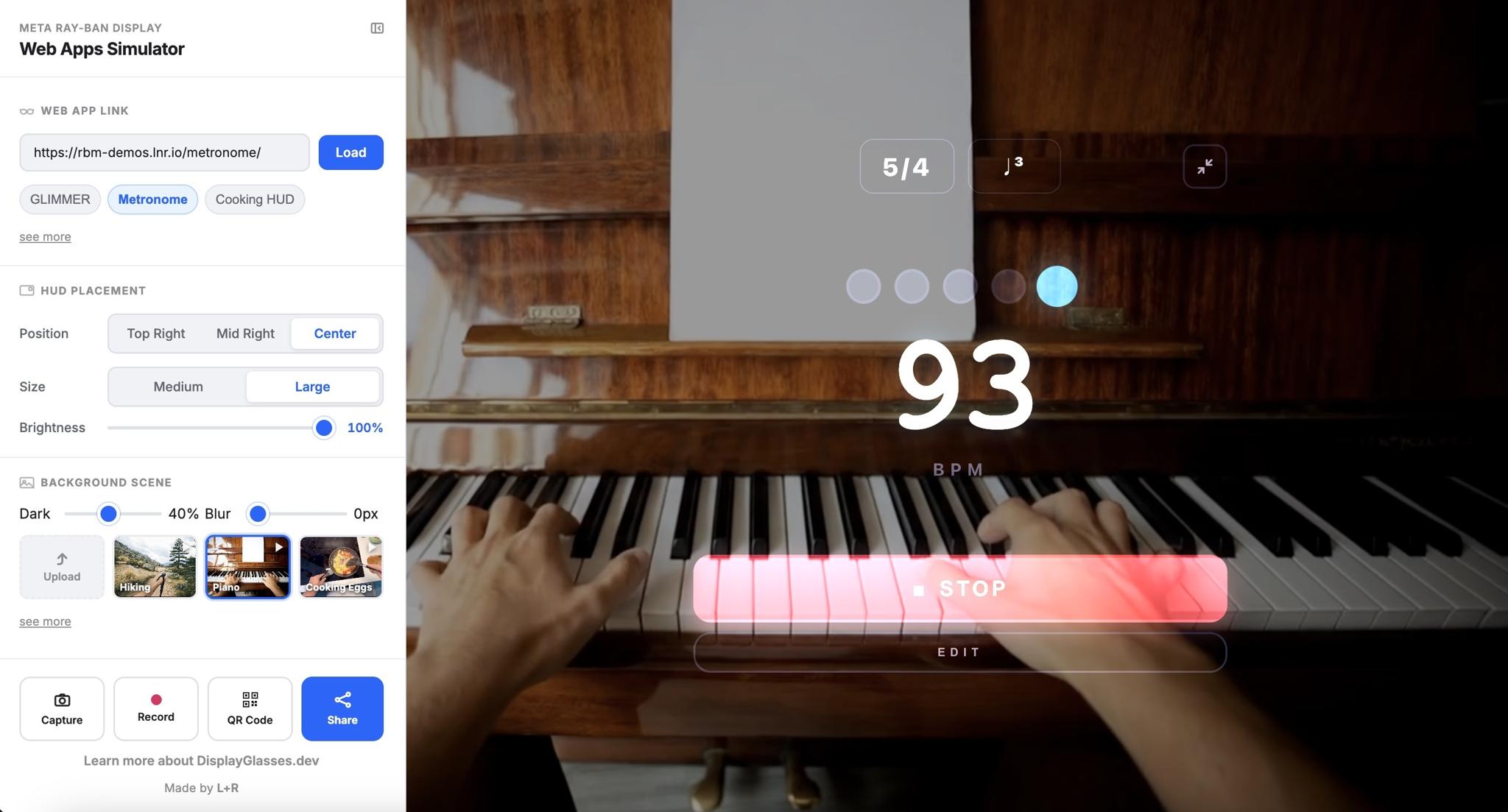
That is why we created DisplayGlasses.dev: a browser-based simulator for previewing web experiences inside a display glasses frame, capturing those moments, and making them easy to share across the team.
Meta's developer launch creates an important opening for teams. Through the previously launched Device Access Toolkit builders can extend mobile applications with the Web Apps path anyone can create experiences with standard HTML, CSS, and JavaScript.
As more people begin building, the next bottleneck is not only technical access. It is collaborative access. Product leads, service designers, CX teams, visual designers, strategists, developers, QA teams, and client stakeholders all need a way to understand the experience in context, whether they are still shaping the concept or already testing on glasses. They need to see where information sits in the wearer's field of view, how it reads against changing environments, and whether the moment actually deserves to become a glasses interaction.
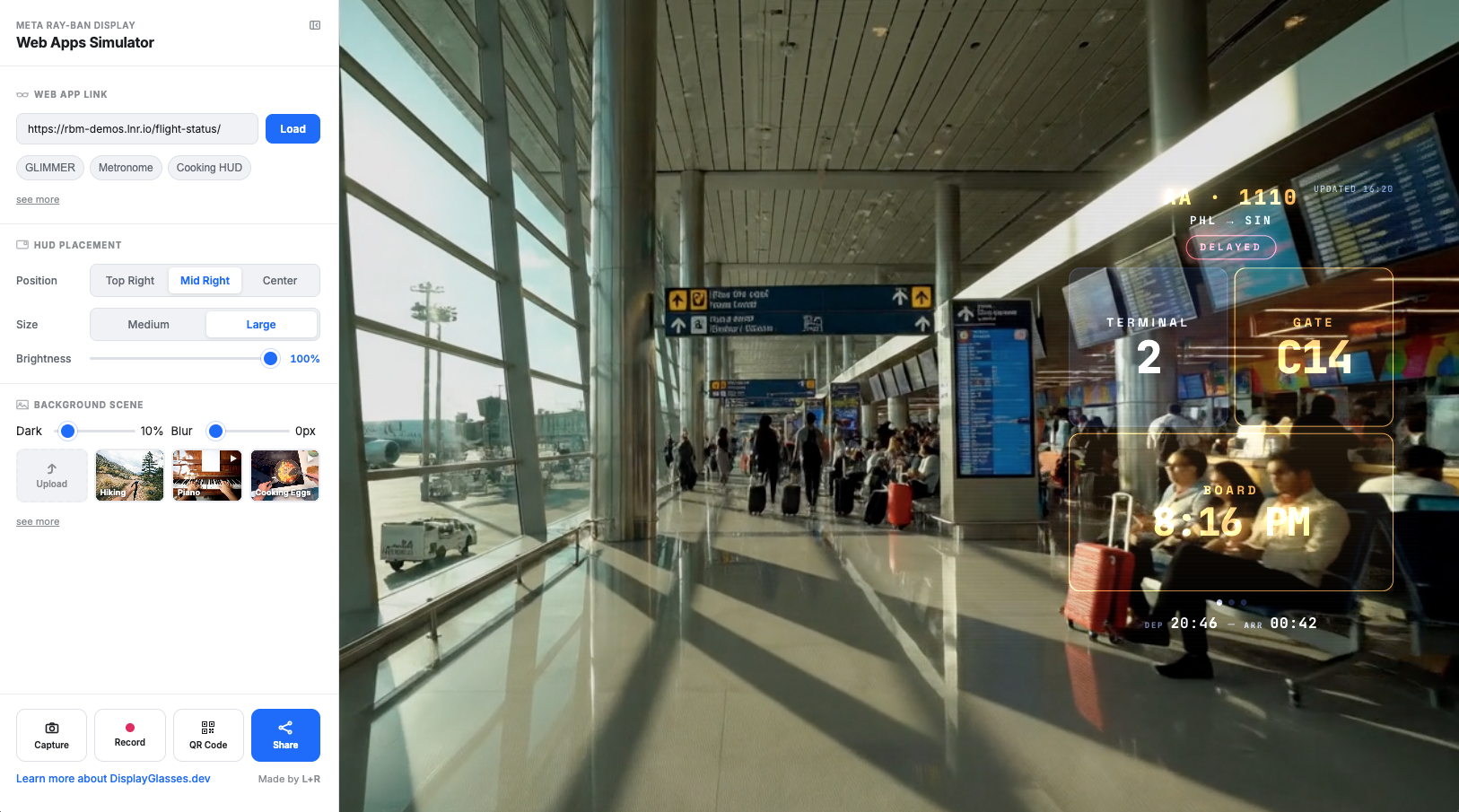
DisplayGlasses.dev is our response to that need. It loads any public URL into a simulated heads-up display and gives teams controls for placement, size, brightness, background scene, capture, recording, QR sharing, and link sharing. The point is not to replace device testing or Meta's official developer tooling. The point is to make the early design and review process more accessible, so more of the team can participate with evidence instead of imagination alone.
Designing the end-to-end journey
That evidence is especially useful when the conversation moves beyond the core build team. A link, still, or recording can help a client sponsor understand the proposed moment, give a product owner something concrete to react to, and give design and engineering a shared reference for refinement. Instead of reviewing a glasses app as an abstract screen, the team can review it in the setting where attention, contrast, movement, and timing actually matter.
Display glasses apps will not succeed as isolated screens. They succeed when they fit into a larger journey: the moment before the display appears, the action the wearer is trying to complete, the physical environment around them, the input model available to them, and the handoff back to a phone, desktop, person, service, or system.
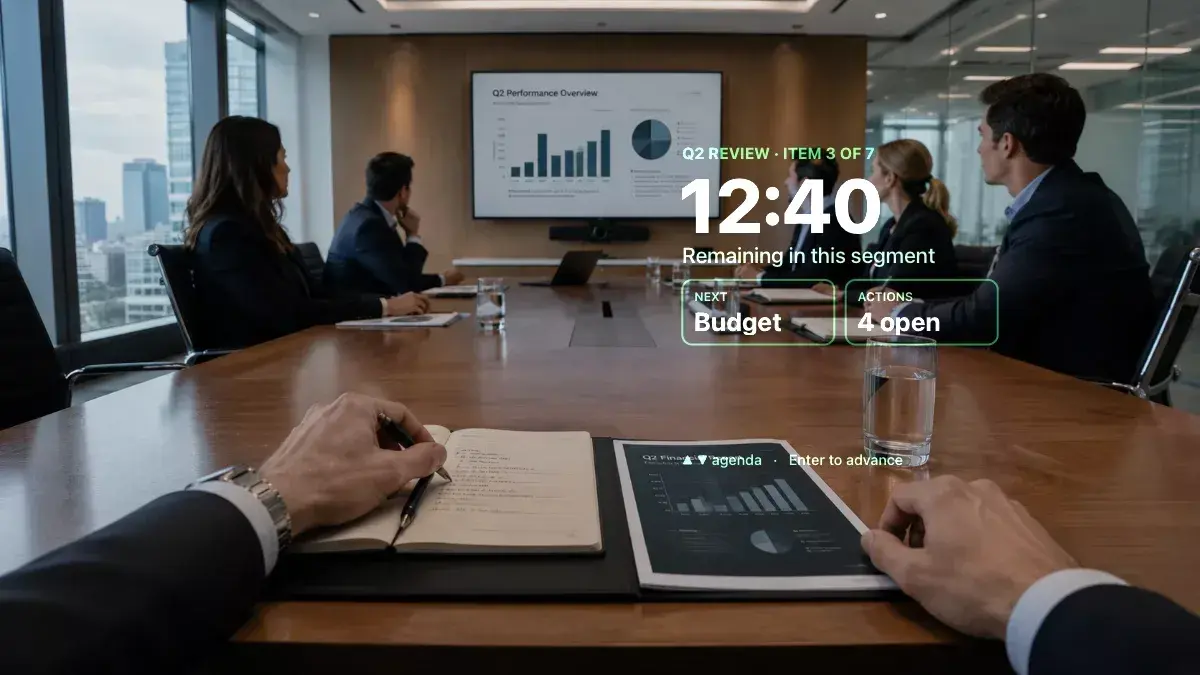
Display glasses are a service design and Customer Experience Design challenge as much as an interface design challenge. A flight status app is not only a small panel of departure information. It is part of an airport journey that includes checking bags, moving through security, finding the gate, reacting to delays, boarding, and coordinating with other people. A coaching app is not only a prompt. It is part of a practice loop. A field service tool is not only a task list. It is part of a live operational workflow.
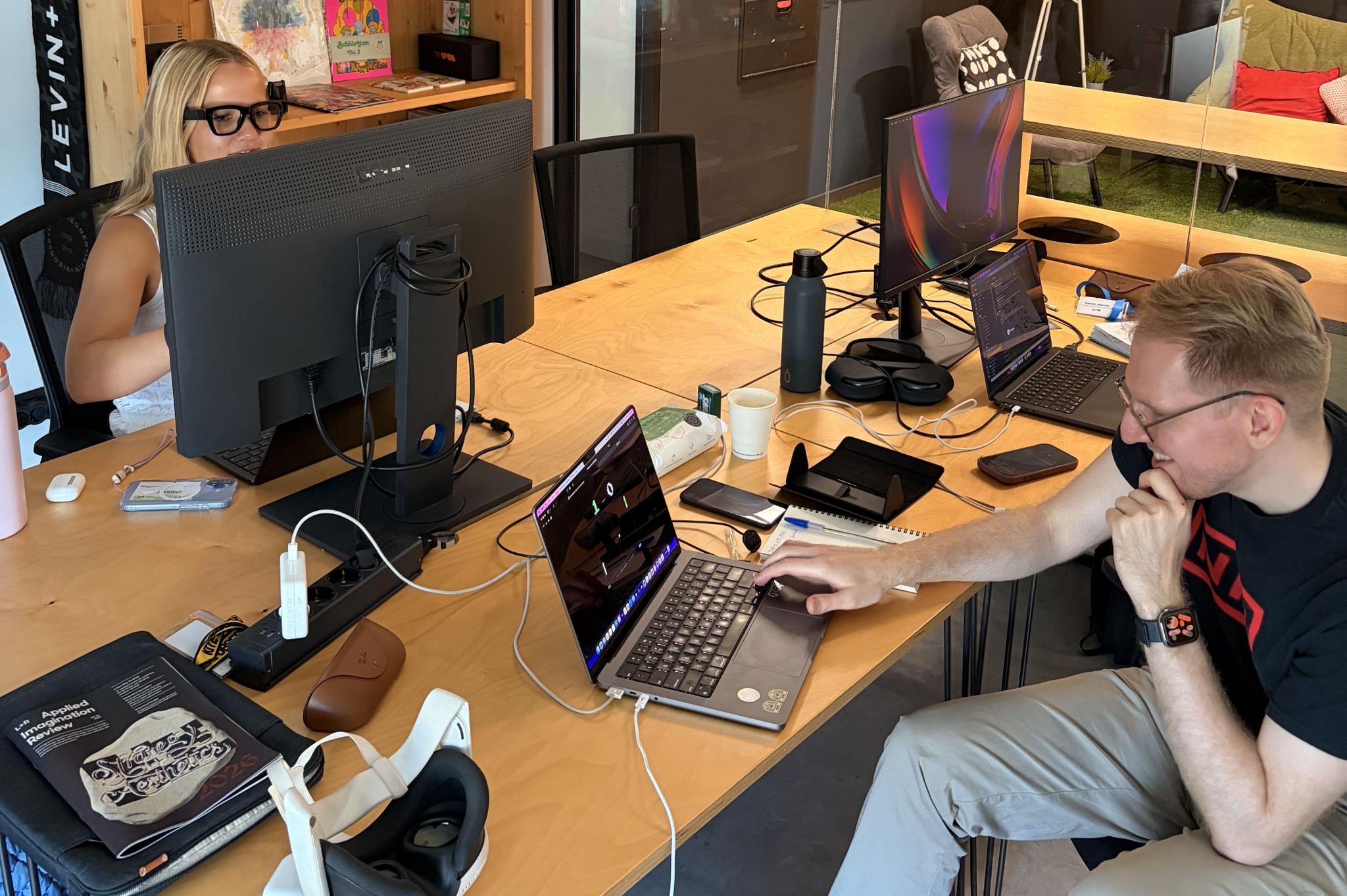
The simulator helps teams look at those journeys from the first concept through later refinements. A strategist can ask whether a glasses moment improves the customer's experience or simply adds another surface. A service designer can map where the display should appear, disappear, or hand off. A designer can test hierarchy and contrast against real-world backgrounds. A developer can load a public prototype and see how the interface behaves in the display frame. A client stakeholder can review a link or recording without needing the same hardware setup as the core build team.
That shared view matters because display glasses compress the margin for error. The experience has to be useful quickly, legible immediately, and respectful of the person's attention. The simulator makes those questions easier to evaluate before teams commit to a build direction, and it gives the team a concrete artifact for buy-in, critique, and iteration.

Building for light, movement, and context
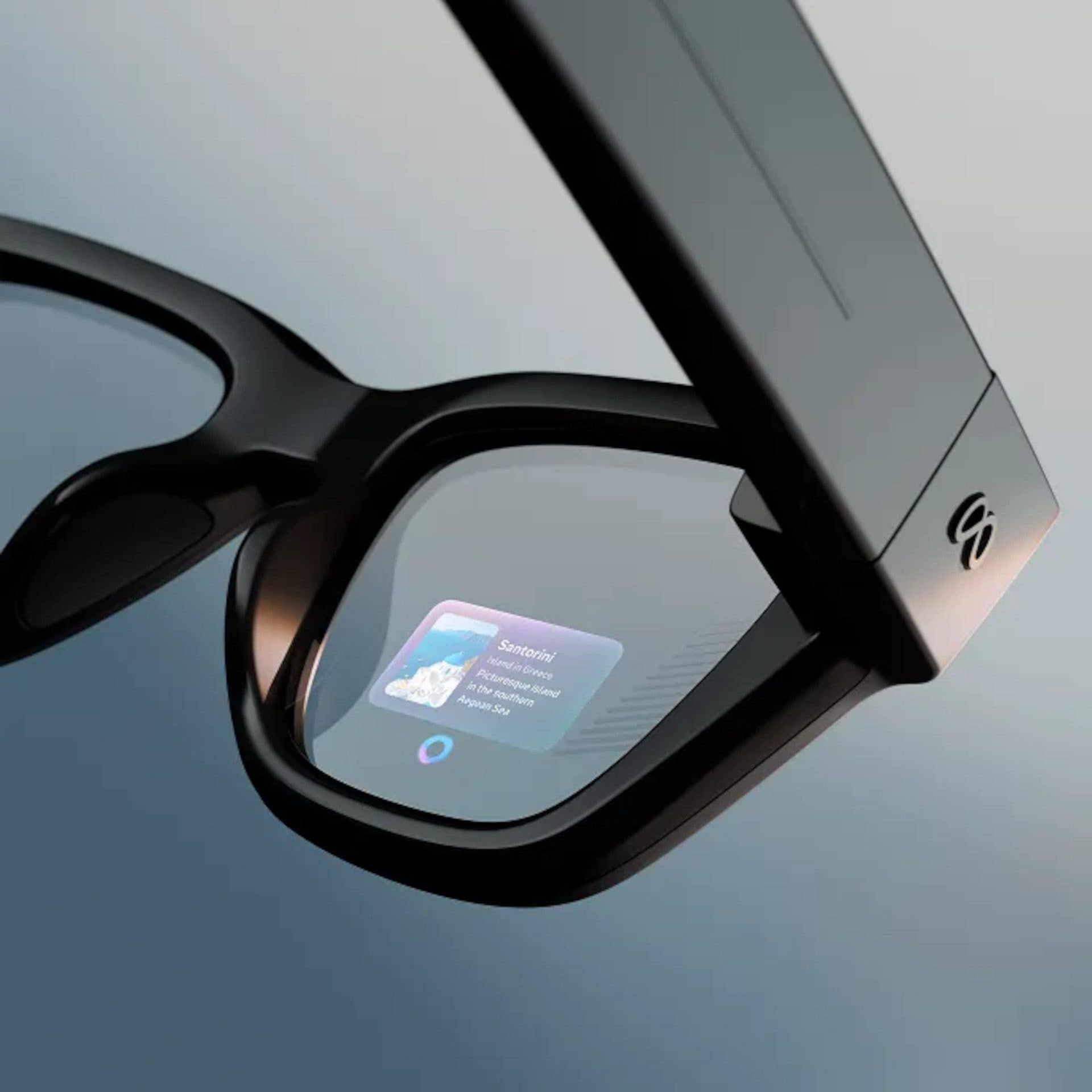
One of the first design shifts in optical waveguide displays is that black is transparent. The display adds light into the eye rather than blocking the world behind it, so a black canvas emits nothing. Bright pixels become literal brightness on the lens.
That changes the design process. A screen that looks finished in a design file may disappear when placed over a bright room, sidewalk, kitchen, airport gate, or studio. A dark background that creates structure on a phone may become invisible on glasses. Contrast is no longer a fixed property of the composition. It depends on the environment.
That behavior is now visible in the browser with DisplayGlasses.dev. The simulator loads an app into an iframe, composites it over a background scene with an additive blend, and gives teams practical controls for background brightness, blur, placement, and size. It does not claim to model every optical artifact. It focuses on the decisions teams need to make early: where should the interface live, how much should it show, how does it read while the world moves behind it, and what should be removed?
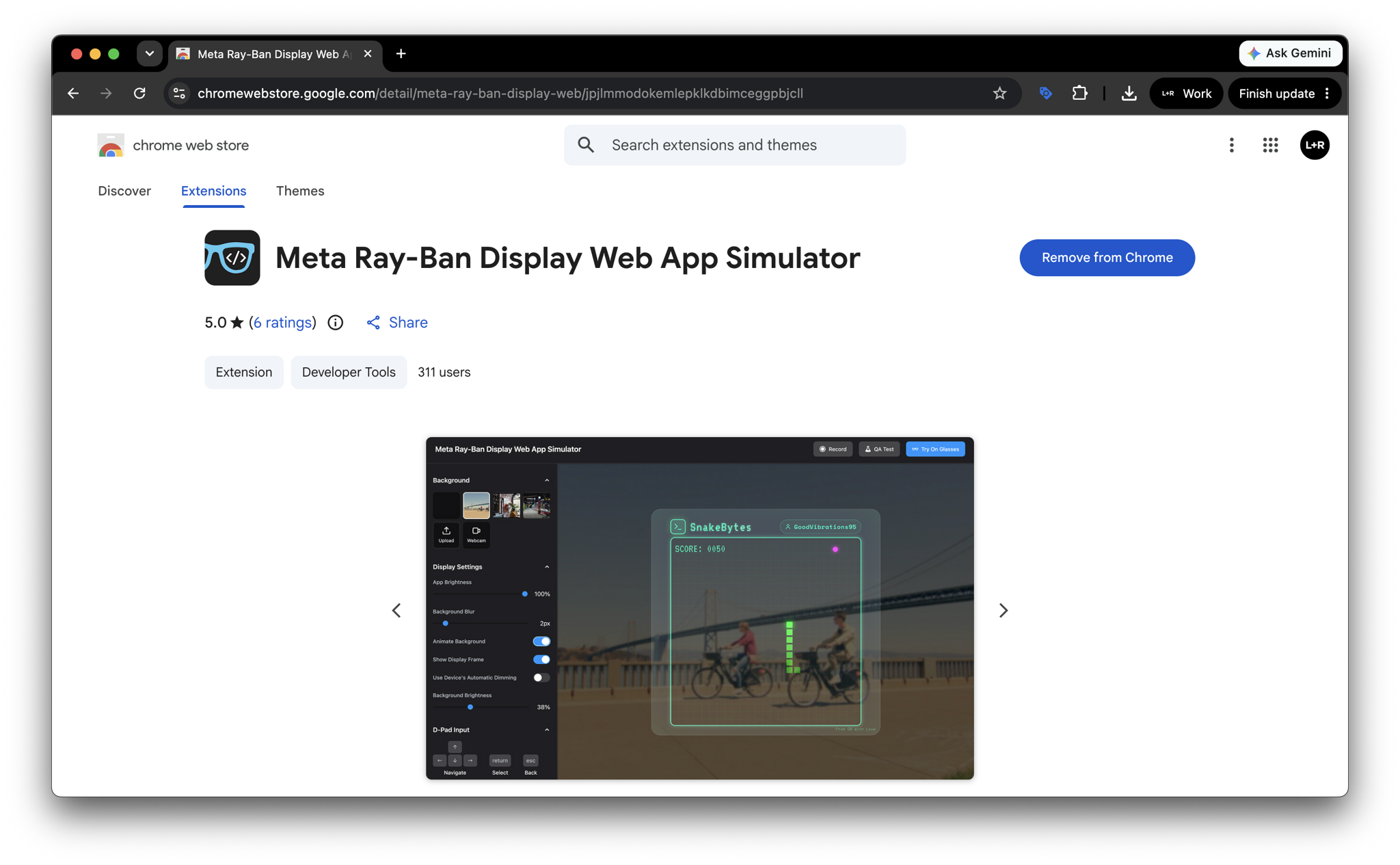
That is where the simulator complements Meta's own Ray-Ban Display Web App Simulator. Meta's Chrome extension is built for implementation and QA, with a 600 x 600 display surface, environment backgrounds, D-pad input, recording, QA checks, and performance scoring. DisplayGlasses.dev is built as the shared preview layer around that work: fast to open, easy to share, and useful for the broader group shaping the experience.
Lowering the floor for display glasses apps
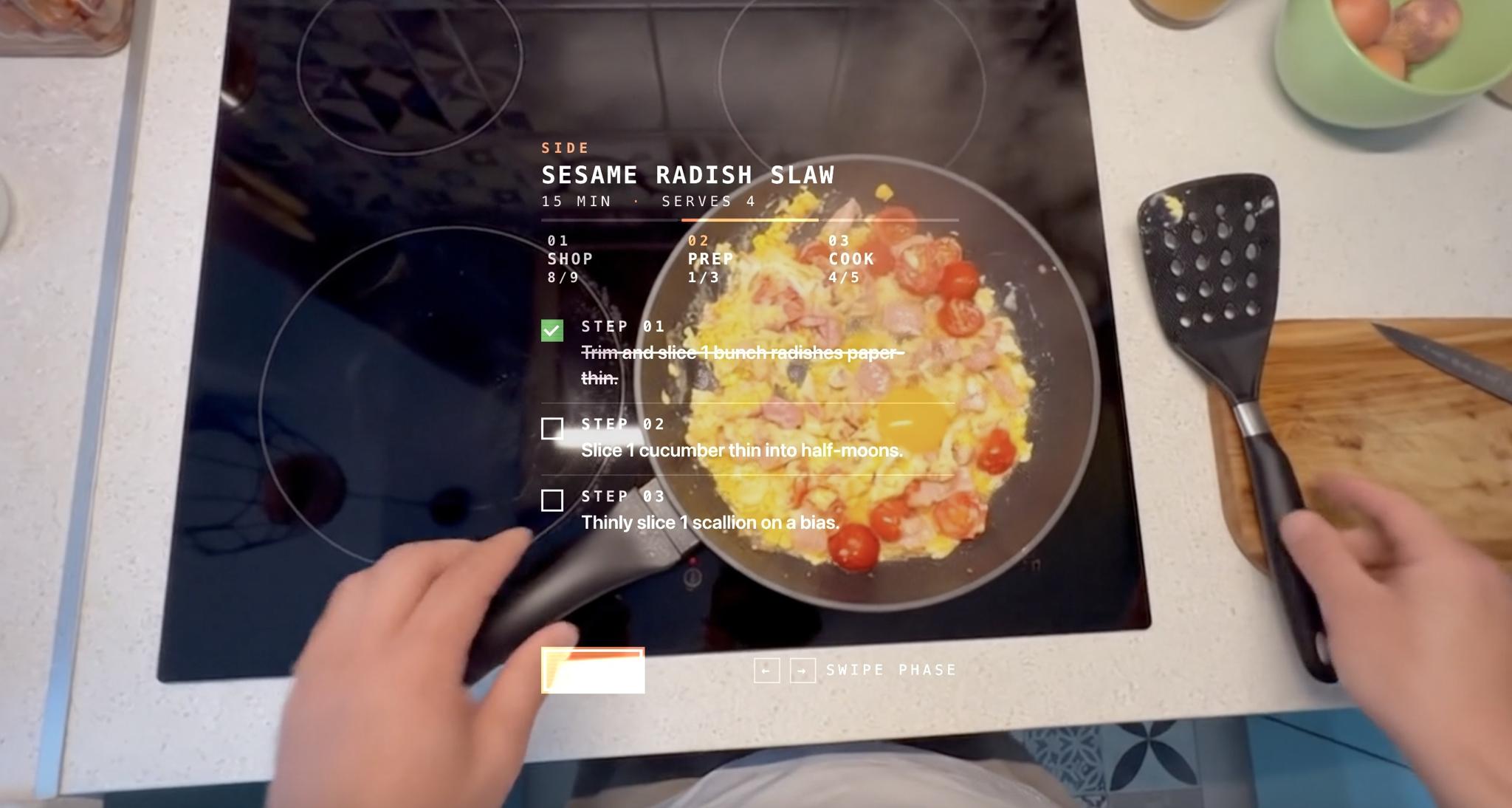
The Web Apps path matters because it lowers the floor for experimentation. Teams can start with ordinary web technology, host an app at a public HTTPS URL, add it through Developer Mode, and begin learning from a real prototype. That opens the category to more builders, but the surrounding workflow needs to become more accessible too.
L+R's work on the platform points to that pattern. Our Meta Ray-Ban Display developer launch article describes the baseplate approach: small, readable, forkable applications that show how useful software changes when it is always in sight. Projects like Metronome and Flight Status point toward the same principle. The strongest glasses experiences are not necessarily the largest. They are the ones that make a specific moment easier without asking the wearer to leave that moment.
That same principle also shows up in our Device Demo Library, a showroom within L+R's Brooklyn offices where teams can see emerging devices, compare interaction models, and discuss what new hardware means for product, service, and customer experience work.
The simulator is starting with Meta Ray-Ban Display and the waveguide behaviors that matter for that device profile. The broader need will keep growing as Android XR, Samsung's forthcoming glasses, Snap SPECS, Even Realities, and future devices bring their own canvas, brightness, placement, and runtime assumptions. The market will not need one perfect mockup. It will need practical ways for teams to understand the journey, test the interface, and align around what should be built.
What we are launching
DisplayGlasses.dev is now available as a free preview tool for teams designing, building, or exploring web experiences for display glasses.
To learn how it works and start building your own web apps, check out our guides, examples, and developer resources.
For us, the launch is less about a simulator as a standalone utility and more about making the display glasses design process more open. If this category is going to mature, teams need accessible ways to move from “Can we build for glasses?” to “Where in the customer's journey should glasses help?” DisplayGlasses.dev is one step toward that shared design process.