Your Meta Wearables Device Access Toolkit Development Partner
Build for Ray-Ban Meta and Oakley Meta on the Wearables Device Access Toolkit.
Our team was among the first partners Meta named for its Wearables Device Access Toolkit, and we build on it for product teams today.
It’s the SDK behind the whole Meta glasses family, and we use it to build native glasses apps, extend existing mobile products onto the glasses, and design hands-free experiences around voice and first-person vision.
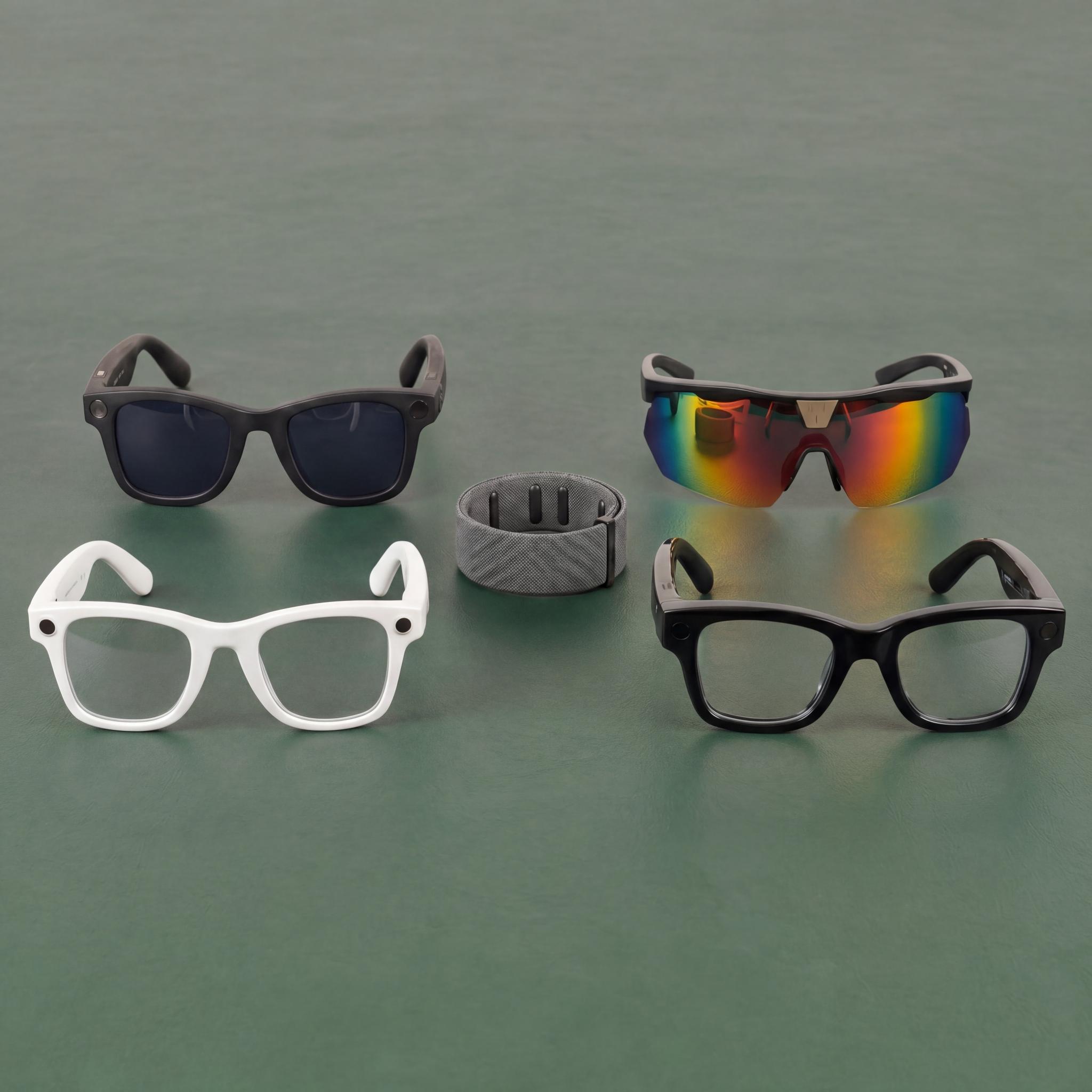
Meta opened the glasses to developers.
The toolkit turned Meta glasses from consumer hardware into a platform that apps can build on.
Our Wearables Device Access Toolkit Services
- Custom Meta Glasses App Development: Native apps built against the toolkit, end to end, across the glasses family.
- Extending Existing Apps to Meta Smart Glasses: Bring your current product to the glasses without rebuilding it.
- Wearable Experience Design: UX designed for hands-free, voice, and first-person contexts.
- Toolkit Feasibility & Technical Consultation: What the SDK can and cannot do for your use case, before you commit a roadmap.
- Flutter Integration: Ship from a Flutter codebase without writing the native bridge twice.
- Real-Time Content Development for Wearables: Live, responsive content that works in the moment.

What you can build with the Meta Wearables Device Access Toolkit
Meta’s smart glasses carry a camera, microphone, speaker, and AI assistant: hands-free, in the moment, wherever your customer is. The toolkit is how your app reaches them.
- Voice and vision, not screens: Ask a question, look at something, and get an answer or action back in real time. No tapping, no looking down.
- Built for your use case: Customer-facing experiences or internal tools for your team, designed around what your business needs.
- Connected to your existing app: What starts on mobile continues on the glasses, and what’s captured on the glasses flows back to your app.
L+R turned our public art into a walking tour people actually wanted to follow. Hands-free and immersive, it got visitors to look up from their phones and into the work.”
National Museum

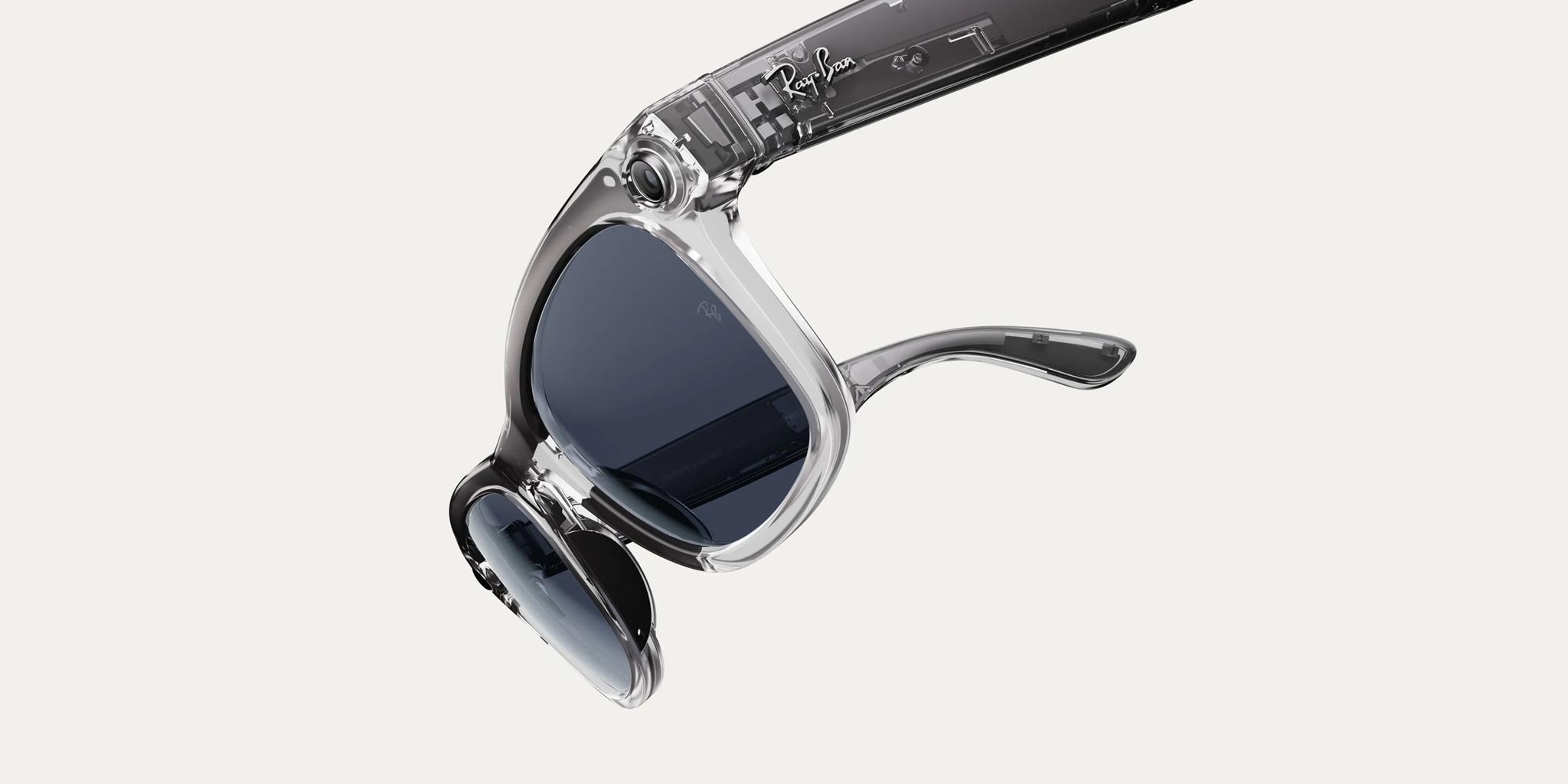
Check Out Our Team’s Latest Insights On Smart Glasses


Ready to start building on Meta glasses?
Tell us what you want to ship and we’ll tell you whether the toolkit supports it today. Contact our team →

Meta Wearables Device Access Toolkit FAQ
What it opens up, which glasses, and where to start.
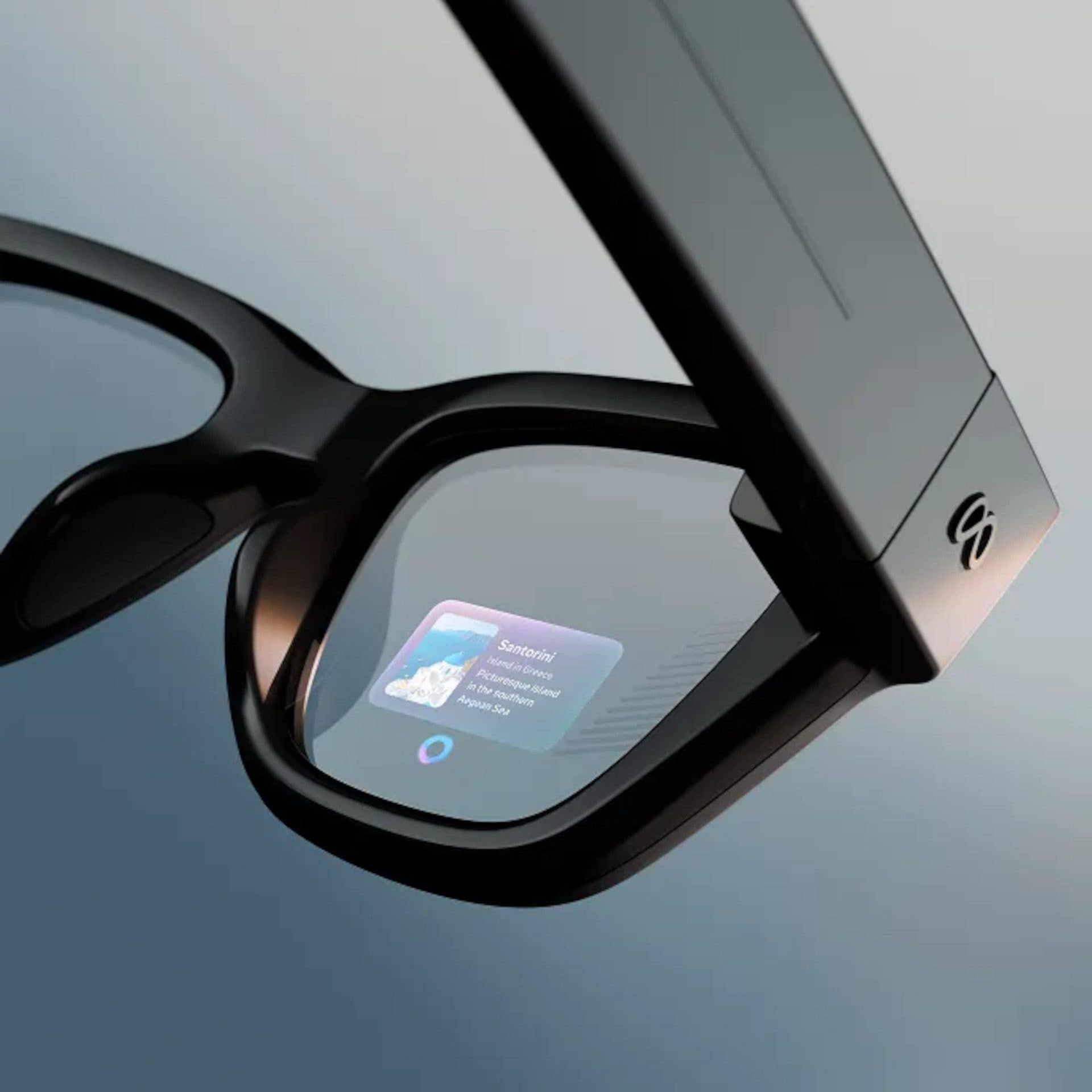
It’s Meta’s SDK for building apps that run on Meta’s glasses. It opens the camera, microphones, speakers, and AI assistant to your app. On Ray-Ban Meta Display it also drives display UI: text, images, lists, buttons, and video playback.
The whole family: Ray-Ban Meta, Ray-Ban Meta Display, Meta AI glasses, and Oakley Meta. Display support arrived in May 2026 and brought the heads-up display into scope, next to the camera and audio the other three share. We build for all four.
Yes. You can build a native glasses app on it, or extend the mobile app you already ship. We do both, and we design each one around voice and first-person vision.
On Ray-Ban Meta Display, you can. It runs standalone web apps in HTML, CSS, and JavaScript, driven by the Neural Band, and your web team can build for the glasses in languages it already knows. For a Flutter product, our open-source plugin flutter_meta_wearables_dat bridges the toolkit directly.
We were named among the first partners for Meta’s AI Glasses SDK, alongside Disney, Logitech, and Microsoft, and we’d been building on the toolkit before general availability. Our tooling for it is public, and we build with it for product teams today.
Capture, listen, and answer, all hands-free. On Oakley Meta, Ray-Ban Meta, and Meta AI glasses, apps live in voice, vision, and capture. Ray-Ban Meta Display adds a heads-up display in the lens for anything worth a glance.
Worth finding out before you commit a roadmap. We run toolkit feasibility as its own piece of work: your use case, checked against what the SDK can and can’t do today, by engineers who’ve built inside it.
Load any URL into displayglasses.dev and see how it reads on the glasses before anyone writes device code. No hardware, no sign-up.
Yes. Glasses are one part of our wearable technology work, which also covers connected devices, companion apps, and the experience design around them.
L+R’s Ray-Ban Meta Display Simulator
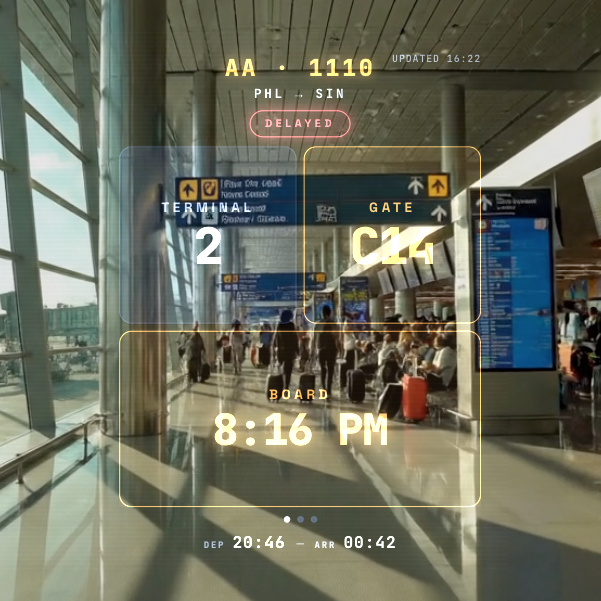
displayglasses.dev shows how a web app reads on Ray-Ban Meta Display without owning a pair. It reproduces the additive waveguide blend over real-world background scenes: bright street or dim room, you’ll see whether your interface is legible before any device code is written.
Load any URL into the simulated heads-up display, set its position, size, and brightness, change the scene, capture or record the result, and preview it on a phone or the glasses via QR code. It’s free.
Our Open-Source Toolkit Plugin for Flutter
Every Flutter team building for Meta glasses hits the same first job: a native bridge to the toolkit on iOS and Android. We did that job once and published it. flutter_meta_wearables_dat, our MIT-licensed plugin on pub.dev, handles device registration, camera permissions, live video streaming, and raw frame access. Any camera or vision feature on the glasses builds on that foundation, and so do our own builds.